There may come a time where you need to know how to reset the home security alarm code. If you need to change security alarm codes, you will require the Master Code. This will usually be written somewhere in your documentation, such as in the owner’s manual or a card your technician provides.
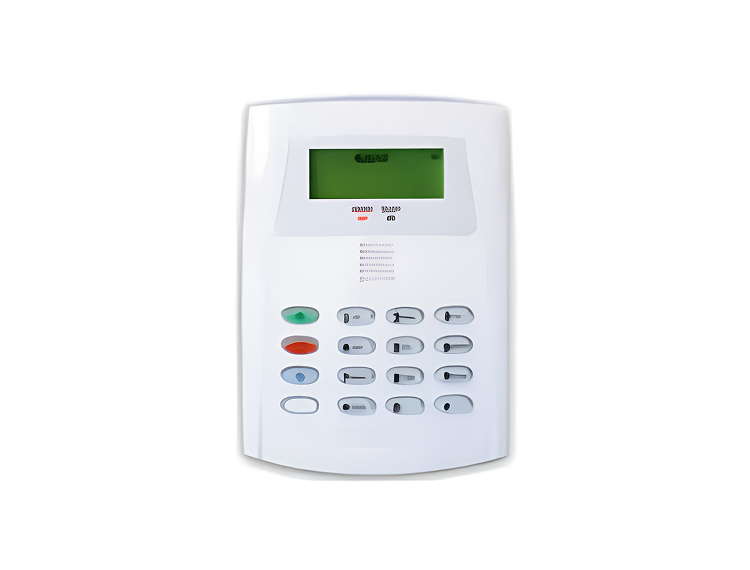
Press either the Reset button or No. 9 on the keypad. When you hear three beeps, enter your current alarm code and the pound sign, followed by the Master Code. This should give you a prompt wherein you can enter your new security code. Be sure to choose a code you have not used before.
If you cannot find the Master Code, you can set one with your Installer Code. Type in the Installer Code, then 802 and your new four-digit Master Code. A short beep should indicate you have successfully made the change and you can proceed as above to change the alarm code.